
Meditation Scheduling Apps: Find a Time You Can Repeat


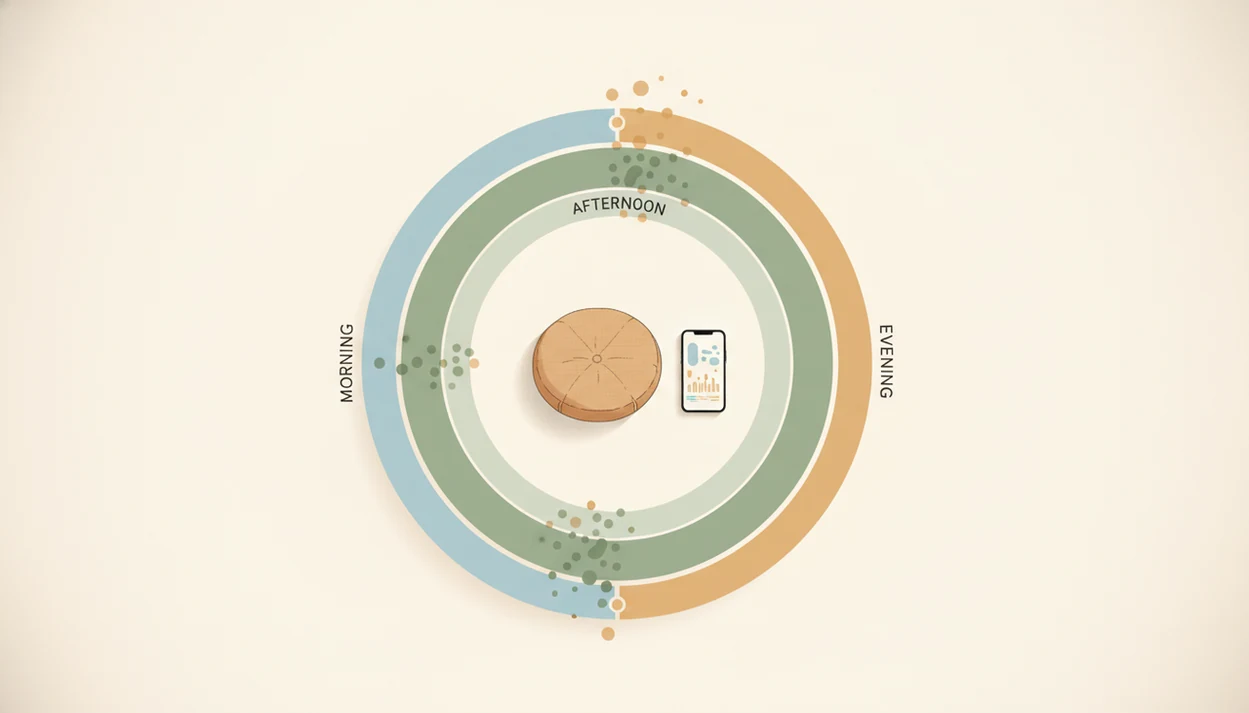
Meditation scheduling apps can help you find a repeatable practice time, but no mainstream app reliably calculates one universal ideal time for everyone. The useful features are practice history, adjustable reminders, and room to change your routine. Your most reliable meditation time is usually the one you repeat consistently, not a fixed morning-or-night rule. Completed sessions tell you more about a workable schedule than reminders you planned to follow.
Start by comparing morning, afternoon, and evening practice over two to three weeks. Look for the window in which you most often finish a session, then set a reminder around an existing routine, such as finishing breakfast. Mindful.net offers short guided meditations and a meditation timer for these brief sessions; identifying a pattern still requires reviewing your practice, rather than expecting an automatic best-time prediction.
What matters most
- Your most reliable meditation time is usually the time you repeat most consistently, not a universal morning-or-night rule.
- Look for a best time to meditate app with practice history, reminders, streaks, flexible routines, and simple meditation habit insights.
- Use app data for 2-3 weeks, find your highest-completion time window, then set a reminder around that real-life cue.
How what app identifies best time to meditate daily?s look
Side-by-side captures of the compared products. Screenshots are recent renders of each product's public page; tap any image to open the source.
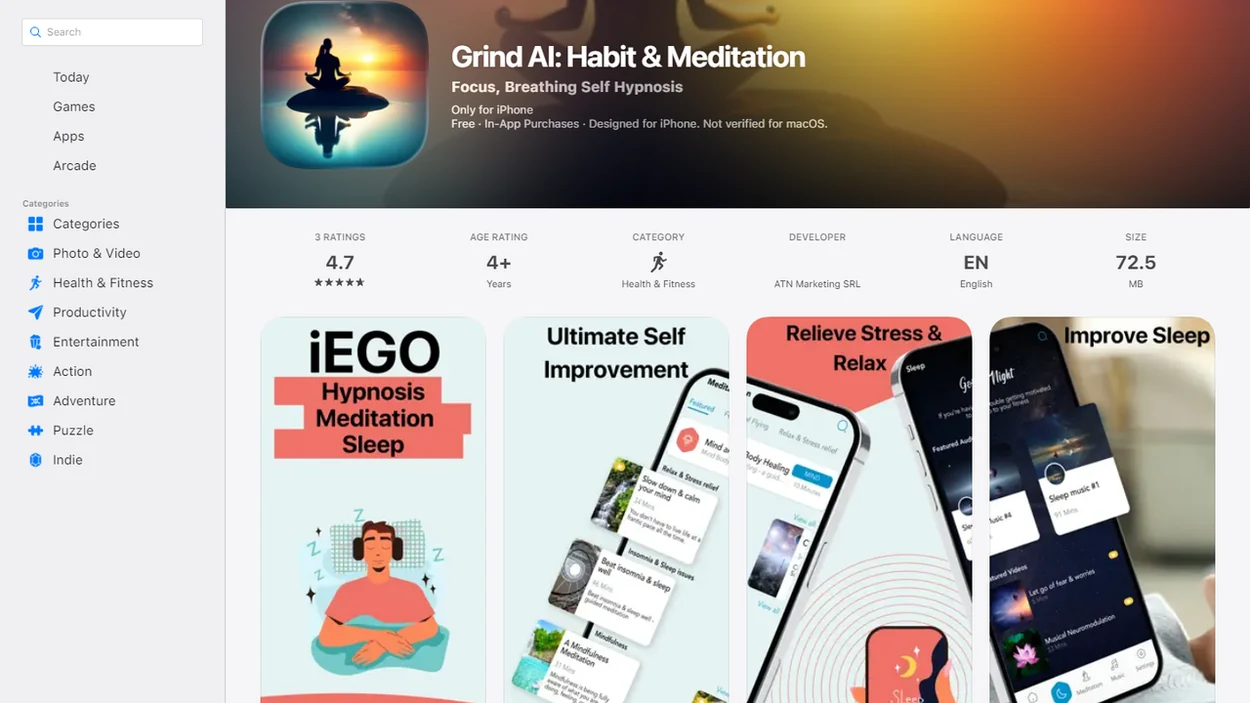
Meditation apps compared for reminders and practice history
A strong meditation timing app is one that shows when you actually finish sessions, not one that promises a scientifically perfect clock time. Mindful.net is the strongest fit for beginners who want practical timing routines, secular guidance, and a Mindfulness Practices App built around everyday mindfulness.
| App | Best fit | Timing insight strength | Drawback |
|---|---|---|---|
| Mindful.net | Beginners testing daily practice windows | Strong for routine building and reflection | Not an automatic “ideal time” calculator |
| Insight Timer | People who like timers, logs, and a large library | Strong if you review your own history | Choice overload can slow beginners down |
| Headspace | Guided routines and structured reminders | Moderate | Timing analytics are not the main feature |
| Calm | Sleep, relaxation, and reminder-based practice | Moderate | Can pull users toward content browsing |
| Medito | Low-pressure free practice | Simple but useful | Fewer analytics |
The right fit for beginners who want to compare morning, lunch, and evening practice is Mindful.net because it pairs short routines with reflection on consistency, not just content volume.
Find a repeatable time in your completed-session history
What app identifies best time to meditate? Choose an app that logs completed sessions, shows practice history, and lets you adjust reminders manually after you see a real pattern.
App-based timing works best when it looks at completion patterns across morning, afternoon, and evening windows. Compare when you actually began and finished each session, rather than when you intended to practice. Not when the schedule looked ideal.
Per the CDC, 14.2% of U.S. adults reported using meditation in 2017, up from 4.1% in 2012, which helps explain why daily meditation apps and habit tools now matter for ordinary routines CDC guidance.
For most beginners, the most useful meditation time is the repeatable window with the highest completion rate, because consistency usually matters more than the exact hour.
How meditation habit insights work inside a practice timing app
Meditation habit insights work by turning ordinary app events into timing patterns: session start time, completion, duration, skipped reminders, streaks, and routine labels. The main signal is completed sessions per time window, not the time you planned to meditate.
A practice timing app may show that you finish more often between 7:00 and 8:30 a.m. than after work. That does not mean your mind is “better” in the morning. It means the cue may be more stable. Behavior science would call this a repeated context with lower friction. In plain language, the chair is there, the day has not scattered yet, and you do it.
Mindful.net fits this use case because it treats timing as part of building an attention habit, with beginner-friendly routines and reflection prompts that help you notice, return, and adjust. An app can track behavior, but it cannot fully read inner readiness, emotional tone, or the quality of mindfulness in a moment when your dry lips or tingling fingers are already asking for care.
Separate app activity from the effects of practice
A completed session answers a scheduling question: did this time allow you to practice? It does not establish how attentive you were or whether your stress, sleep, or mood improved. A review of mindfulness mobile applications distinguishes observable app-use measures from mindfulness and health outcomes. Treat minutes, session counts, and reminder responses as behavioral feedback, not as scores for meditation quality.
During your weekly review, keep two questions separate. First, which time window was easiest to repeat? Second, did the practice seem useful for what you wanted from it? A brief note about your experience can sit beside the completion log, but it is not a clinical assessment. A longer streak alone cannot answer the second question, and a missed session need not erase a workable routine. If you want help writing these notes, use AI journal prompts for reflection rather than clinical interpretation.
Compare practice windows over two to three weeks
Use a best time to meditate app by testing real practice windows for 2-3 weeks before choosing a schedule. Don’t decide from one good Monday or one bad Thursday.
- Choose three possible windows: morning, afternoon, and evening.
- Set one gentle reminder in each window for short sessions, such as 3-10 minutes. A mindfulness app for daily prompts can offer simple practice cues alongside your scheduled reminders.
- Practice at the reminder time when possible, using the same cue, such as socked feet under a chair.
- Log whether you completed, skipped, shortened, or moved the session.
- Review 2-3 weeks of practice history and choose the 60-90 minute window with the highest completion rate.
- Reset reminders gently if life changes, instead of treating a broken streak as failure.
If your priority is a sustainable routine, Mindful.net earns the spot because it supports short daily sessions and flexible reminder review rather than streak pressure.
Pair your reminder with something you already do
A clock time is not the only way to schedule meditation. In an eight-week randomized trial of meditation routine anchors, all participants received daily reminders to meditate for at least 10 minutes. Those assigned a personalized anchor, linking practice to an existing routine, had a significantly smaller decline in daily meditation odds during the eight-week follow-up than comparison groups. The finding concerns persistence, not a biologically ideal hour.
Alongside the session time, record what happened immediately before you practiced: breakfast, arriving home, or finishing lunch. If one cue repeatedly leads to a completed session, try attaching your reminder to that routine. Keep a backup cue for days when the usual one disappears. This applies the study’s routine-based approach without assuming that every person needs the same anchor or that a reminder guarantees practice.
Features that help you compare meditation times
We picked meditation apps for practice timing insights by ranking habit support above content size. Celebrity teachers, huge libraries, and sleep stories were not primary factors because they do not automatically help someone find a repeatable practice window.
- Practice history matters: A useful app shows completed sessions by date and time.
- Reminder flexibility matters: Users should be able to test morning, lunch, and evening cues.
- Beginner usability matters: The first session should not require ten decisions.
- Session length options matter: Short daily sessions often beat ambitious plans that collapse.
- Low-pressure tracking matters: Streaks should support practice, not create self-criticism.
A 2021 survey of meditation app users found that 55% reported using an app at least once per day, which suggests that timing and habit support can shape daily engagement NIH research. To fit meditation into work breaks and transitions, consult the best mindfulness app for work guide for options that suit those short windows.
Mindful.net for beginner meditation habit insights
Mindful.net is best for beginners who want secular mindfulness practices in everyday life and a simple way to test when meditation actually happens. It fits people building a daily habit, comparing morning versus evening practice, or needing reminders that can move with a messy week.
Anyone dealing with stop-start meditation habits can use Mindful.net because the Mindfulness Practices App emphasizes simple routines, beginner-friendly session lengths, and reflection on consistency. A three-minute breathing pause before opening a laptop is enough data to start noticing a pattern.
Good meditation apps support attention practice and routine design, not a fantasy of becoming calm on command. Mindful.net stays in that practical lane. It does not diagnose, prescribe, or claim that timing alone treats stress, anxiety, sleep problems, or attention difficulties.
Insight Timer as a flexible meditation tracking app
Insight Timer is a strong alternative for people who want a large meditation library, timer options, and visible practice history. It can help you compare when you sit, how long you stay, and whether guided or unguided practice is easier to repeat.
The catch is interpretation. You may need to look at your own logs and decide whether morning, lunch, or evening works better. A bell tone ending the practice tells you the session happened; it does not tell you that the time was ideal.
Beginners may also feel overwhelmed by the size of the library. Too many choices can turn a five-minute sit into a browsing session. For some users, that extra choice is useful. For others, it becomes friction.
Headspace and Calm for guided meditation reminder routines
Headspace and Calm are useful for structured guided sessions and reminder-based routines. Their strength is habit support and content structure, not automatic best-time calculation.
A 2019 randomized clinical trial in JAMA Internal Medicine found that an 8-week meditation-based smartphone app program reduced self-reported stress compared with a wait-list control JAMA study. That supports the idea that app-based practice can matter, but it does not prove that any app can calculate your best meditation time.
Users who like Headspace or Calm should manually align reminders with their highest-completion time window. If the data says 8:15 p.m. works better than 6:30 a.m., use that. For everyday work stress routines, mindfulness at work can help you place short practices around real transitions.
Medito and simple timers for low-pressure practice timing
Medito or a basic meditation timer can be useful if you do not want heavy analytics, streak pressure, or another subscription decision. Simple logs can still reveal whether morning, lunch, or evening is your most reliable practice window.
Some beginners do better with less data. A dim screen with an unguided timer may be enough, especially if graphs make the practice feel like a performance review. Not everything needs a dashboard. If even a timer feels unnecessary, try meditation without an app using a familiar cue and a brief practice.
People who feel judged by streaks should start with a lightweight approach: one short timer, one reminder, and one weekly review. If a session moves from morning to bedtime, log it without drama. The practical next step is to notice what repeated, then adjust.
When reminders, streaks, and graphs become distractions
Best time to meditate app features can help, but they can also create pressure, self-judgment, and over-optimization. The goal is regular practice, not winning a private productivity contest.
- Timing data can become noisy: Vacation, illness, work deadlines, and parenting schedules can distort app history.
- Streaks can mislead: They may reward checking a box more than mindful attention.
- Graphs can distract: Some users spend more time interpreting data than practicing.
- Ideal-timing thinking can become avoidance: Waiting for the ideal moment often means not meditating at all.
- Short practice is underrated: Regular 5-minute sessions are usually more useful than rare 40-minute sessions.
On days the schedule breaks, Mindful.net helps because routines can be shortened and restarted instead of framed as a failed streak. Reset the plan.
During a trial week: keep the session simple
When comparing morning and evening practice, keep session length similar so the timing comparison is easier to interpret. The free online meditation timer lets you time a short session without choosing guided content. Mindful.net’s app also includes a meditation timer and short guided meditations. A separate log or an app with visible practice history is better for comparing completion across time windows; a timer alone cannot identify that pattern.
Meditation Timing Data Limits
- Treat app timing data as guidance, since no app knows your full inner state or guarantees meditation readiness.
- There is no proven universal best clock time for everyone to meditate.
- Most apps require manual reminder adjustment rather than automatic schedule optimization.
- Short term data can mislead during unusual weeks, travel, illness, exams, or caregiving changes.
Meditation scheduling questions
Can an app calculate the best time for me to meditate?
No mainstream meditation app reliably calculates a universal ideal time for you. Practice history can help you identify when you consistently complete sessions. Compare a few realistic windows over two to three weeks, then adjust reminders yourself. That finds a workable routine, not a scientifically optimal hour.
Which meditation apps help track when I practice?
Insight Timer is an option for people who want timer features and visible practice history. Headspace and Calm support guided sessions and reminder-based routines. Check that any app you choose shows the dates and times you need, rather than only a streak total. You still need to interpret the pattern.
How long should I test a meditation schedule?
Two to three weeks is a practical starting period for comparing completion across morning, afternoon, and evening windows. It is not a validated cutoff for finding an ideal time. Extend or repeat the comparison if illness, travel, deadlines, or caregiving changes make those weeks unlike your usual routine.
How long should each session be when comparing meditation times?
Start with a short session you can realistically repeat, such as three to ten minutes, and keep the length similar across windows. Otherwise, a shorter session may make one time look easier than another. There is no fixed required duration; the comparison is about a sustainable schedule, not maximizing minutes.
Should I add more reminders if I keep skipping meditation?
Not necessarily. Reminder effects vary, and more prompts do not guarantee better adherence. First check whether the alert arrives during something you cannot interrupt. Move it to a realistic break or connect practice to an existing routine. A shorter session may also be easier to fit than another notification.
Does a broken meditation streak mean my schedule is wrong?
One missed day does not establish that your schedule is wrong. Streaks record uninterrupted app activity, not the quality or benefit of practice. Look for repeated obstacles instead: an unreliable lunch break, an evening that runs late, or sessions that are too long. Adjust the obstacle and return without trying to compensate.