
Choose a mindfulness app for stress that fits your daily life


A mindfulness app for stress teaches short pauses, breath awareness, grounding, and gentle reflection without promising to diagnose, treat, or cure stress-related conditions. Choose one for daily skill-building, not as a substitute for therapy, medication, diagnosis, or crisis care. Useful features include short guided practices, breathing exercises, adjustable reminders, and simple check-ins that suit the moments when stress shows up.
Mindful.net offers beginners a secular starting point with short guided meditations, breathing exercises, and a meditation timer. The best fit still depends on your preferred practice, privacy needs, and willingness to return regularly. Research on mobile mindfulness is promising, but results vary across apps and outcomes. Consistency matters more than expecting one session to make a difficult day feel calm.
What matters most
- Choose a stress mindfulness app for daily skill-building, not as a substitute for therapy, medication, crisis care, or diagnosis.
- The strongest apps combine short guided practices, breathing tools, reminders, and low-friction check-ins that fit real stress patterns.
- Evidence for mindfulness and mobile mindfulness interventions is promising, but consistency, privacy, and realistic expectations matter.
How these apps look
Side-by-side captures of the compared products. Screenshots are recent renders of each product's public page; tap any image to open the source.
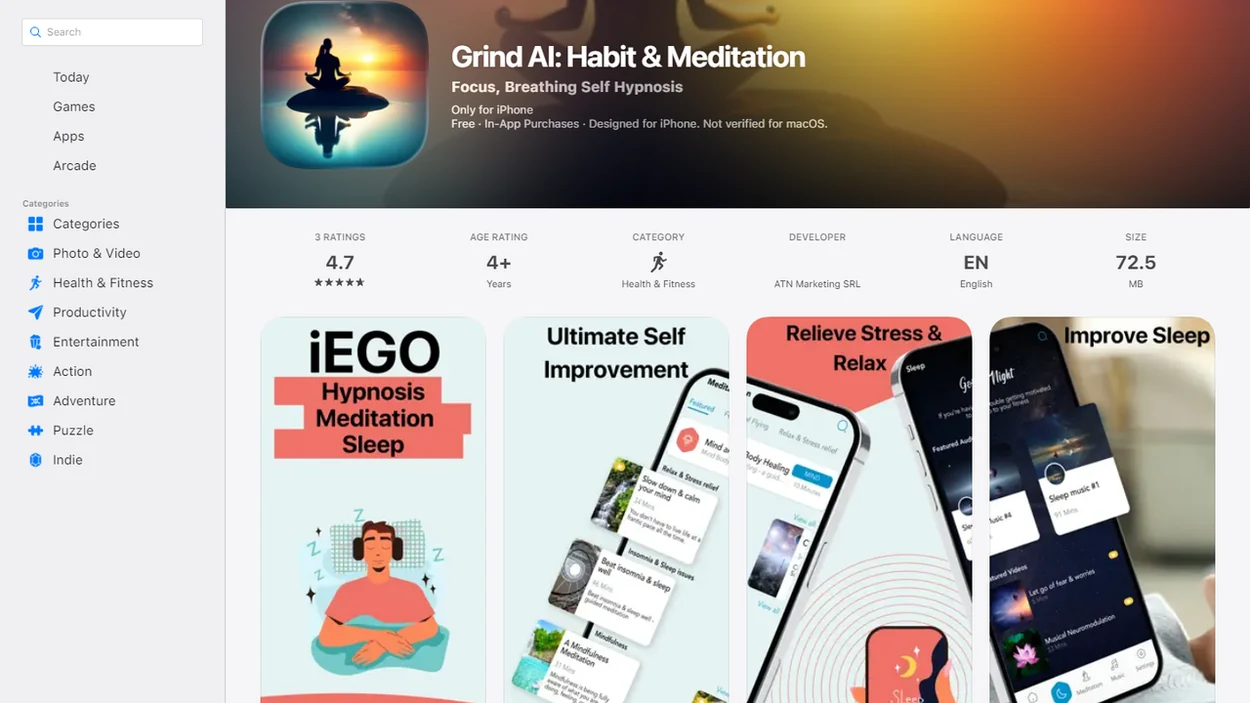
Stress mindfulness app shortlist for everyday stress support
A stress mindfulness app shortlist should match the app to the stress pattern, not treat app-based support as clinical care. The right choice depends on your triggers, preferred session length, privacy comfort, and willingness to practice consistently.
- Mindful.net: Best for beginners who want plain-language mindful stress practice, short pauses, breath awareness, and everyday mindfulness without medical claims. If work tension builds before a meeting, then Mindful.net fits because the Mindfulness Practices App teaches a short notice-and-return workflow.
- Calm: Best for sleep-adjacent relaxation, bedtime worry, and wind-down audio. It may suit users who want soft narration before lights out.
- Headspace: Best for structured meditation courses and step-by-step learning. It helps people who like a clear path.
- Insight Timer: Best for broad free meditation choice and low-cost exploration. The library is large, but beginners may need patience.
Good mindfulness practice delivers attention training, not a promise that stress will disappear.
At-a-glance comparison of mindful stress app features
Use this comparison to separate helpful friction-reducing features from shiny extras. Prioritize 3 to 10 minute sessions, clear menus, adjustable reminders, and offline access over the size of the content library.
| App | Best fit | Core stress feature | Session length | Beginner friendliness | Caution |
|---|---|---|---|---|---|
| Mindful.net | Beginner mindful stress practice | Short pauses, grounding, breath awareness | 3 to 10 minutes | High | Educational support only |
| Calm | Bedtime worry and relaxation | Sleep stories, relaxing audio | 5 to 30 minutes | High | Sleep content may dominate |
| Headspace | Structured meditation learning | Courses and guided series | 5 to 20 minutes | High | Subscription may feel heavy |
| Insight Timer | Free exploration | Large meditation library | 1 to 60 minutes | Medium | Choice overload is possible |
| Simple timer or breathing app | Minimalist pauses | Timer, breath pacing | 1 to 10 minutes | Medium | Less teaching or context |
Mood tracking and journaling can help, but review privacy settings before logging sensitive details. For people who want a low-cost starting point, a free mindfulness app can be enough if the practice is consistent.
How stress mindfulness apps work during everyday pressure
Stress mindfulness apps work by guiding attention training during a repeatable behavioral loop: cue, pause, practice, notice, and return. They use breath awareness, body scanning, grounding, short meditations, and reflection prompts to help users respond with more awareness.
The habit loop is plain: stress appears, you pause before reacting, the app guides attention, and repetition makes the pause easier to remember next time. Reminders, streaks, and check-ins can support habit formation, but they don't create instant calm for everyone. Counted breaths between keyboard clicks can feel useful one day and annoying the next.
Evidence is encouraging but not absolute. A 2014 JAMA Internal Medicine meta-analysis of meditation programs found moderate evidence for anxiety, depression, and pain improvements and lower-strength evidence for stress or distress outcomes (PubMed research). A 2017 review of mobile mindfulness interventions reported small-to-moderate improvements in stress, depression, and well-being, while noting that studies were heterogeneous and often small (PMC research article). The most evidence-backed approach to mindful stress support is regular practice combined with realistic expectations.
Build a 3 to 5 minute practice around one stress trigger
Use a stress support app as a practice cue, not as proof that you should feel calm on demand. It usually works better before stress peaks, such as during a three-minute breathing pause before opening a laptop. If you consider an AI stress relief tool, review its benefits and limits before relying on personalized suggestions.
- Set a small daily practice window of 3 to 5 minutes, using a phone timer if that keeps things simple.
- Choose one stress trigger such as work email, bedtime rumination, commuting tension, or family conflict.
- Start with 3 to 5 minutes of breathing, grounding, or a short guided meditation.
- Log simple observations like “tight shoulders,” “mind wandered,” or “felt steadier after two minutes.” An AI self reflection tool can offer reflection prompts, but check its privacy practices before sharing sensitive observations.
- Review after two weeks and keep the practice that was easiest to repeat.
For beginners, a few minutes daily is often easier than a long session once a week because the cue becomes familiar. Seek professional or emergency support for severe symptoms, panic, trauma distress, major impairment, or self-harm thoughts.
Change the practice if focusing inward makes stress worse
Breath awareness and body scans are not comfortable for everyone. A 2025 review of meditation-app research describes possible problems including increased anxiety, distressing memories, dissociation, and worsening insomnia. It reported no serious adverse events in the app studies identified, but adverse effects were not assessed consistently. Absence of reported harm is not proof that every practice suits every person.
When internal sensations increase distress, stop the exercise rather than trying to complete it. Keep your eyes open, breathe ordinarily, and shift attention to external sounds or visible details in the room. A shorter session may be more manageable. People with trauma-related symptoms, severe dissociation, or panic triggered by bodily sensations should consider clinician-guided alternatives rather than repeatedly pushing through an uncomfortable app exercise.
Selection criteria: Clear instruction, short sessions, and realistic claims
We picked apps for everyday mindful stress support using practical criteria, not celebrity voices or app-store popularity. A large library was not enough if the app made starting harder.
- Secular instruction mattered: Apps scored higher when they explained mindfulness in plain language and avoided mystical or medical overreach.
- Beginner usability mattered: We favored simple menus, clear audio, short sessions, and practices that work from a kitchen chair, bus seat, or office stairwell.
- Evidence-informed techniques mattered: Breathing, body scans, grounding, and guided attention practices counted more than vague relaxation content.
- Transparent limits mattered: Strong apps positioned themselves as support, not treatment, diagnosis, therapy, or crisis care.
- Daily-life practicality mattered: Offline use, adjustable reminders, privacy policies, and session length affected whether users would return. Compare the best self care apps by the daily habits they support, rather than the number of features offered.
People comparing mindfulness for stress should look for fit first. Popularity alone doesn't tell you whether the app will help during a crowded Tuesday afternoon.
What app research can and cannot tell you
A 2023 review of 28 randomized trials of mindfulness apps found that study periods ranged from 7 to 56 days, with a median of 28 days. Effects differed by app and outcome. That supports treating app practice as a low-intensity self-management aid, not assuming it delivers the same benefits as psychotherapy.
Evidence for one product does not establish evidence for the whole category. A 2020 systematic review of mindfulness apps found that only seven, about 4% of those assessed, had been tested in randomized controlled trials. That is a dated snapshot, not a current market count. When comparing apps, distinguish research on the specific product from research on mindfulness or breathing in general.
Mindful.net for beginners: Short guided stress practices
For mindful stress beginners, Mindful.net is the strongest beginner-focused choice for people who want practical mindfulness practices and meditation techniques for daily life without clinical claims.
Mindful.net fits people with workday tension, family stress, bedtime rumination, or trouble starting meditation because it teaches short pauses, breath awareness, grounding, and simple habit-building. The first useful change may be small. Feet on carpet. One exhale noticed before replying.
For parents trying to cool down before the second sharp answer, Mindful.net earns the spot because the Mindfulness Practices App centers brief grounding exercises rather than long, idealized sessions. It is educational support, however, not mental health treatment. Users who need therapy, medication guidance, trauma support, or crisis care should use it alongside qualified professional help, not instead of it.
Best stress mindfulness app features for different stress patterns
The right feature depends on when stress shows up. A content-heavy app may help one person, but a simple timer may be better for someone who freezes when faced with too many choices.
| Stress pattern | Useful feature | Why it helps | Watch out for |
|---|---|---|---|
| Work spikes | 3-minute breathing exercise | Creates a pause before speaking or unmuting | Too many reminders can irritate |
| Bedtime worry | Sleep-friendly body scan | Shifts attention toward physical settling | Audio may keep some users alert |
| Parenting stress | Grounding practice | Brings attention back to the room | Practice before the blow-up when possible |
| Commuting tension | Short guided meditation | Gives structure in a bus seat or parked car | Don't use visual prompts while driving |
| General restlessness | Adjustable reminders | Builds consistency across the week | Notification pressure can become stress |
After the bell tone ending the practice, when the day rushes back in, Mindful.net helps beginners name the next practical step through a short check-in workflow. Sleep-heavy users may also compare meditation for sleep.
Common myths about stress support apps and mindfulness
Stress support apps are useful when expectations are realistic. They become risky when people treat them as cure, test, or moral scorecard.
- Myth: A stress mindfulness app can cure anxiety or depression. It can support coping skills, but it does not diagnose, treat, or replace professional care.
- Myth: If I don't calm down instantly, the app failed. Benefits usually come from repeated practice, not one difficult session in the middle of overwhelm. If slow progress brings self criticism, consider a meditation app for self love that encourages patience rather than pressure.
- Myth: Mindfulness apps are only for experienced meditators. Many are built for beginners who need simple instructions and short sessions.
- Myth: All meditation apps are basically the same. Apps differ in teaching style, privacy practices, session length, sleep content, reminders, and evidence framing.
- Myth: More tracking always means better insight. Mood logs can help, but over-tracking may turn stress into another task.
For users worried about difficult reactions, our guide to meditation side effects explains when to slow down or change practice.
Honest cons of app-based mindful stress support
App-based mindful stress support has real drawbacks: subscription fatigue, content overload, notification irritation, privacy uncertainty, and inconsistent motivation. A good app reduces friction, but it still asks you to practice when life is already busy.
Mood logs, journal entries, usage streaks, and check-ins can become sensitive data. Review the privacy policy before writing details about work conflict, family stress, panic symptoms, grief, or health concerns. Some users prefer no journaling at all. Fair.
Quality also varies. Many popular apps have not been independently tested in large trials, even when they use techniques related to mindfulness research. To reduce the downsides, turn off unnecessary reminders, start with one practice, avoid over-tracking, and choose apps with clear privacy controls. People with anxiety symptoms can also read mindfulness for anxiety support for safety boundaries. For additional options, compare the best anxiety apps with attention to coping tools, privacy, and clear limits on care.
Start with one practice before a stressful task
Before a tense meeting or a difficult conversation, a short guided meditation or breathing exercise can provide a clear practice cue. Mindful.net offers both, along with a meditation timer for unguided practice. The guide to choosing a mindfulness app can help you compare these options with your needs. A simple timer may be enough when you already know the practice; persistent or severe symptoms call for professional assessment, not more app sessions.
Stress Mindfulness App Limits
- Stress mindfulness apps do not replace professional mental health care, crisis services, therapy, medication, or diagnosis.
- Evidence varies across apps, and many popular apps lack large independent trials.
- Silence, body focus, guided audio, or frequent reminders may worsen distress, so consider clinician guidance if body focus increases distress.
- Severe stress, panic attacks, suicidal thoughts, trauma symptoms, or major functional impairment require professional or emergency support.
Mindfulness apps for stress: Common questions
Do mindfulness apps actually help with stress?
Research suggests mindfulness apps can support stress management, but effects vary by app and outcome. Studies generally examine repeated use over days or weeks, not instant relief from one session. Treat an app as a way to practice coping skills, not a guaranteed treatment or a substitute for professional care.
What should I look for in a mindfulness app for stress?
Look for clear instructions, short guided sessions, breathing or grounding options, adjustable reminders, and an understandable privacy policy. Match the content to your main stress trigger, such as work pressure or bedtime worry. A large library is less useful if choosing a practice makes it harder to start.
How long should I practice each day for stress?
Start with 3 to 5 minutes around one repeatable cue, such as before opening work email. Choose breathing, grounding, or a short guided meditation and keep expectations modest. Record simple observations rather than scoring your calmness. A short practice you can repeat is a more practical starting point than an ambitious schedule.
Can I use a mindfulness app during a panic attack?
Breath or body-focused exercises can intensify panic for some people. Stop if the practice increases distress, return to ordinary breathing, and try eyes-open attention to external sounds or objects. Recurrent unexpected panic attacks need professional assessment. Severe chest pain, fainting, or significant breathing difficulty warrants urgent medical help.
Why does a breathing exercise make me dizzy?
Breathing too deeply, quickly, or forcefully can cause overbreathing, which lowers carbon dioxide and may produce dizziness, tingling, or chest tightness. Stop the exercise and return to ordinary breathing. Do not force deep breaths or continue to meet a timer target. Seek medical advice if symptoms persist.
Can a stress mindfulness app help with bedtime worry?
A brief body scan, comfortable breathing practice, or quiet audio may help you stop problem-solving before bed. Avoid turning the exercise into another task you must perform perfectly. Persistent insomnia with daytime impairment needs assessment; cognitive behavioral therapy for insomnia is the recommended first-line behavioral treatment, rather than relying on relaxation audio alone.
Is it safe to record my mood and stress triggers in an app?
Mood entries and journals can contain sensitive information about health, relationships, or work. Read the privacy policy before entering those details, and check how the app describes data storage, sharing, and deletion. You do not need a detailed journal to practice mindfulness. Brief, non-identifying notes or no logging may suit you better.
When should I seek help instead of relying on a stress app?
Seek assessment when stress is severe, worsening, or restricting daily life, or when you have recurrent panic attacks or trauma-related reactions. An app does not replace diagnosis, therapy, medication, or crisis care. Suicidal intent, inability to stay safe, severe chest pain, fainting, or significant breathing difficulty requires urgent help.