
Mindfulness App for Busy People: Choose Short Sessions You Can Repeat


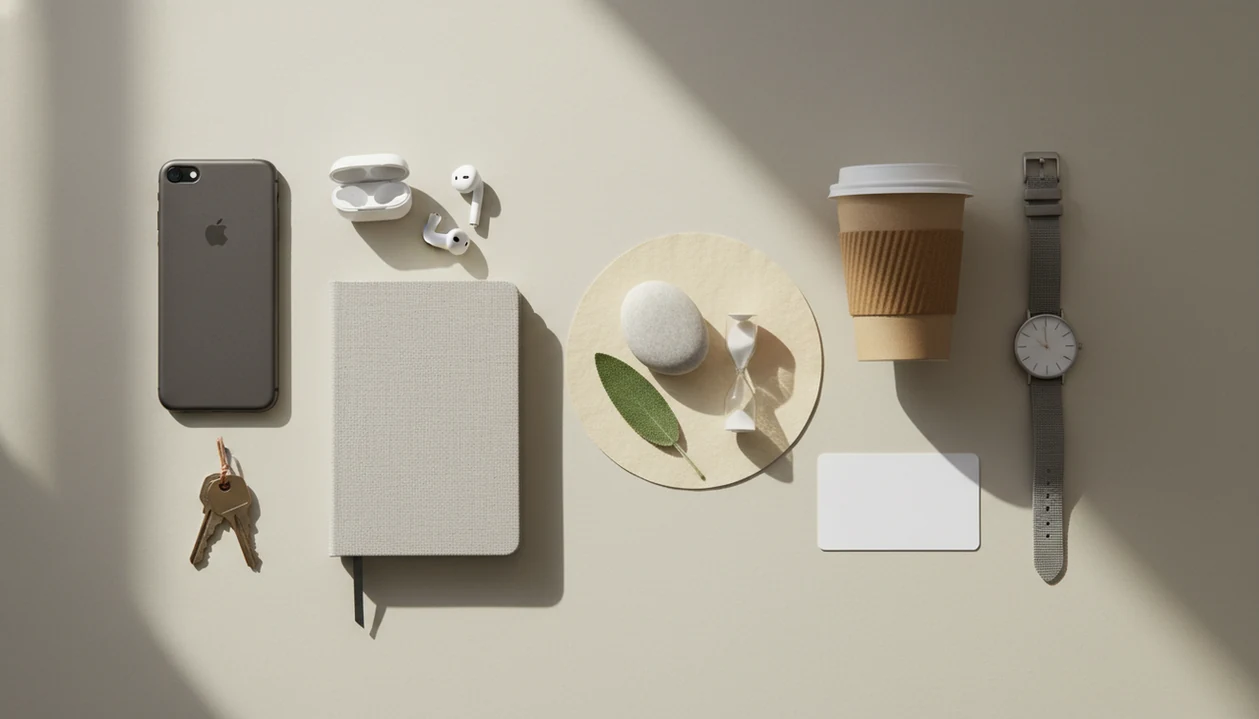
A mindfulness app for busy people should offer practices you can finish in 1 to 10 minutes, including short guided sessions, one-minute prompts, breathing breaks, and reminders tied to daily routines. These apps teach attention, breathing, body-scan, and meditation practices through audio guidance, prompts, and habit tools. The best fit is one you can return to without setting aside a long meditation block.
Start by looking for a one-minute option and a three- to five-minute guided session. Choose a regular cue, such as finishing lunch or closing your laptop, rather than relying on spare time appearing. Reminders and progress tracking can support that plan, but neither proves that an app improves your health. App-based mindfulness is not a substitute for professional care.
What matters most
- Choose an app with 1-10 minute sessions, including 30-180 second micro-practices for meetings, commuting, lunch breaks, and bedtime.
- Prioritize habit features: customizable reminders, tiny goals, streaks, progress tracking, and context-based prompts.
- Use app claims carefully: most mindfulness apps have limited clinical testing, and app-based mindfulness is not a substitute for professional care.
Features to prioritize when you have only a few minutes
A busy people meditation app should reduce friction, not become another complicated task. The most useful features are the ones you can use while your day is already moving.
| Feature | Priority for beginners | Why it matters |
|---|---|---|
| 1-minute prompts | Essential | Fits between email, meetings, errands, or school pickup. |
| 3-5 minute guided sessions | Essential | Long enough to settle, short enough to finish. |
| 10-minute sessions | Nice-to-have | Useful when the day opens up a little. |
| Reminder bells | Essential | A cue helps when attention is scattered. |
| Streaks | Nice-to-have | Motivating for some, pressuring for others. |
| Offline access | Nice-to-have | Helpful on trains, flights, or low-signal commutes. |
| Context filters | Essential | “Before a meeting” is easier than browsing 200 sessions. |
For most beginners with packed schedules, simple beats feature-heavy. A phone timer set for 5 minutes often gets more use than a complicated dashboard.
What a Mindfulness App for Busy People Actually Does
A mindfulness app for busy people is a mobile tool built around short, guided, secular attention practices that fit daily transitions. It helps you pause before a meeting, after an email, on the train, during lunch, or before bed.
Mindfulness here is broader than sitting still with eyes closed. It can include breathing pauses, body scans, walking awareness, mindful listening, and short guided meditation. Beginner mindfulness practices teach you to notice when attention wanders and bring it back; they do not guarantee less stress, greater productivity, or better sleep.
The key word is fit. If the app only works during a quiet 30-minute block, it probably won’t serve someone juggling work tabs, family texts, and a grocery list that keeps appearing mid-practice.
Five checks before downloading a mindfulness app
These five facts give you a practical filter before you download anything. They also keep the claims in perspective.
- Useful sessions should be short enough to complete, usually 1-10 minutes for busy beginners.
- Micro-practices of 30-180 seconds can work well for transitions, such as a quiet pause before hitting send.
- Habit-building features matter because many people stop using wellness apps after the first burst of interest.
- In a 2020 randomized trial, only 39% of participants were still actively using a mindfulness app by week 8, according to the published NIH research.
- A 2022 systematic review of 145 mindfulness meditation apps found that only 4% had been tested in randomized controlled trials, according to its published.
For busy people, short and repeatable is often better than ambitious and rare because the habit survives normal days.
How cues, short routines, and completion signals work
A short mindfulness app works by pairing a cue, a brief routine, and a small completion signal. In behavior terms, that is a cue-routine-reward loop; in plain language, it means the app nudges you, guides one small practice, then marks it done.
The useful design choices are not mysterious. Short session length reduces resistance. Personalization helps the app suggest the right practice for “bedtime” rather than “focus.” Repeatable cues, such as a calendar alert after a long meeting, make practice easier to remember.
Behind the screen, most apps use basic data flow: user preferences, session history, reminder settings, favorites, and suggested practices. More adaptive tools, including an AI meditation coach app, may use check-ins to adjust recommendations. That can help, but it still does not mean the app treats a medical condition or guarantees stress relief.
Prompts and session filters that save time
The most useful time-saving features are the ones that remove choice at the exact moment you feel too busy to choose. A micro meditation app should offer a few clear entry points, not a maze.
One-minute prompts
One-minute breathing prompts are for narrow gaps: after email, before a call, or while standing by an office stairwell window. Counted breaths between keyboard clicks can be enough to notice tension and return.
Context-specific sessions
Context filters should include work stress, commute, bedtime, walking, focus, and meeting transitions. If you want a deeper library, an app for short guided meditations can help compare session lengths and styles.
Gentle reminder bells
Reminder bells, quiet notifications, offline audio, favorites, progress tracking, and beginner-friendly guidance all help. But too many badges and menus can backfire. Busy beginners need fewer decisions, not another app that feels like inbox triage.
Short practices for meetings, commuting, and bedtime
Busy people do not need one ideal meditation window. They need repeatable micro-moments attached to things already happening.
| Situation | Time available | Best practice | Why it works |
|---|---|---|---|
| Before a big meeting | 3 minutes | Guided breathing reset | Gives attention one place to land. |
| After a hard call | 1-2 minutes | Body and jaw check-in | Helps notice held tension. |
| During a commute | 5 minutes | Listening or breath awareness | Works without closing your eyes. |
| Between parenting tasks | 60 seconds | Feet on floor practice | Simple and private. |
| Before sleep | 5-10 minutes | Body scan | Matches the wind-down routine. |
| During lunch | 3-5 minutes | Short guided meditation | Uses a natural pause in the day. |
One simple way to try it is stacking practice onto existing habits: opening a laptop, washing hands, or getting into bed. Lower back meeting the cushion, phone face down, timer running. That counts.
Set up a one-minute daily practice
Start with a tiny daily goal, not a heroic streak. A busy schedule needs a setup you can keep on a messy Tuesday.
- Set one realistic goal, such as one minute per day for the first week.
- Choose two practice lengths, such as one minute after email and five minutes before bed.
- Attach each practice to an existing cue, like opening your laptop or turning off the bedroom light.
- Start with guided sessions until the instructions feel familiar.
- Review your session history once a week, without treating missed days as failure.
- Reset the plan when life changes, instead of quitting the whole habit.
If you prefer a simple unguided structure, a meditation timer app for beginners may be enough. The practical next step is the one you will actually repeat.
Mindful.net Short Mindfulness App Fit
Does Mindful.net fit someone who wants short, practical mindfulness? For busy beginners, Mindful.net is most relevant when you want secular explanations, short guided practices, and simple habit support without clinical promises.
It can function as a Mindfulness Practices App for everyday learners who want plain-language technique guidance. Compare it with Calm, Headspace, and mindful.org if you want different teaching styles, content depth, or pricing models. It is educational support, not emergency care.
Best for
- ✓ Beginners who want practical, secular mindfulness.
- ✓ Realistic habit builders using 1-10 minute sessions.
- ✓ People comparing techniques before committing to one style.
Not for
- ✕ Emergency mental health support.
- ✕ Complex clinical programs.
- ✕ Users who want only long silent retreats.
Evidence for App-Based Mindfulness and Short Sessions
Research suggests app-based mindfulness can help some people, but results depend on the program, the user, and the setting. Clinicians typically recommend mindfulness as a supportive skill, not as a replacement for psychotherapy, medical care, or crisis support.
A 2019 employee randomized trial found that a 10-day app-based mindfulness program, using 10 minutes per day, reduced perceived stress by 14% and daily anxiety by 29% compared with a wait-list control, according to the published study at APA research A 2021 university student randomized trial found that a 4-week app-based intervention reduced perceived stress by 24% and depressive symptoms by 20%; cite the exact trial URL inline here. A 2016 meta-analysis of smartphone-based mental health interventions, including mindfulness apps, found small to moderate effects for depression and anxiety compared with controls; cite the exact meta-analysis URL inline here.
A 2016 meta-analysis of smartphone-based mental health interventions, including mindfulness apps, found small to moderate effects for depression and anxiety compared with controls. These findings support potential benefits, but they do not mean every app works for every person. For people who want more tailored routines, an app that creates personalized meditation plan may help organize choices.
A longer streak is not proof of better results
Session counts, minutes practiced, and responses to reminders describe app use, not the quality of your attention. A review of mindfulness mobile applications distinguishes measures of engagement from mindfulness and health outcomes. An app can help you complete more sessions without establishing that those sessions improve stress, sleep, or mood. Treat its activity record as scheduling feedback, not a health score.
At a weekly check-in, ask two separate questions: which practice could you fit into your day, and did it help with the reason you started? Your answers can guide adjustments, but they are not a clinical assessment. A missed day may suggest changing the time or session length. It does not tell you that the previous practice was wasted.
Before a meeting: choose a short guided pause
Before a meeting, a short guided meditation or breathing exercise gives you a defined practice to follow. Mindful.net offers both on iOS and Android, along with a meditation timer. The guide to choosing a mindfulness app can help you compare options. A timer alone is better when you already know the practice and want no spoken instructions.
Mindfulness App Limits
- Most mindfulness apps have limited rigorous clinical testing, and marketing claims may exceed the evidence.
- Sticking with app practice is challenging, and the phone itself can become a distraction.
- Short meditations may ease momentary stress but cannot replace psychotherapy, medical care, medication guidance, or emergency support.
- Short practices may not resolve burnout or trauma, and increased distress means stopping practice and seeking qualified support.
Short mindfulness app sessions: common questions
Can one minute of mindfulness help when I am busy?
One minute gives you time to pause, notice your breathing, and return attention when it wanders. It is a practical starting point, not a proven dose for lasting health benefits. Attach it to something you already do, such as finishing an email, so practice does not depend on finding extra time.
How long should a beginner's mindfulness app session be?
Start with a session you can realistically finish, such as one to five minutes. There is no fixed required duration for beginners. A ten-minute option can be useful when more time is available, but choosing a longer session is not automatically better than repeating a shorter one.
What features should a mindfulness app for a busy schedule have?
Look for one-minute prompts, three- to five-minute guided sessions, and reminders you can adjust to your routine. Context filters for work, walking, or bedtime can make selection quicker. Treat streaks as optional: they record activity, but they do not establish that the practice is useful or attentive.
Do meditation reminders help build a daily habit?
Reminders can cue practice, but they do not guarantee that you will keep using an app. Research on reminder strategies has mixed results. Choose a prompt linked to a routine you already have, such as lunch, rather than adding many alerts that may become easy to ignore.
Can I use a mindfulness app during my commute?
A commute can provide a regular practice cue. On a train or bus, choose listening or breath awareness that does not require closing your eyes. Do not follow an exercise that takes attention away from driving or other safety demands. Practice before departure or after arrival instead.
Should I restart my meditation streak after missing a day?
You can return with the next short session rather than making up missed minutes. A streak measures uninterrupted recorded activity, not the quality of meditation. Check what interrupted the plan: timing, session length, or a changed routine. Adjust that part before setting a stricter goal.
Are short mindfulness sessions enough for burnout or serious anxiety?
Short sessions can provide a structured pause, but they should not be treated as a solution to burnout or serious anxiety. App-based mindfulness does not replace psychotherapy, medical care, or emergency support. Persistent or severe difficulties call for professional help, not simply longer sessions or more reminders.